 memori
Scrapbookers and junk journalers
A digital scrapbook without the glue. Lay photos down like prints, tape them with washi tape, add stamps and handwriting, on ruled, graph, dot grid, kraft or 原稿用紙 paper.
Free online journal · also on iPhone and iPad
Make a photo journal right here, free and with no sign-up. Turn the pages, then make them yours: add your photos, develop them on memori's films, write, draw, and turn a few words into a card.
drag a page to turn it · your book is kept in this browser
Library
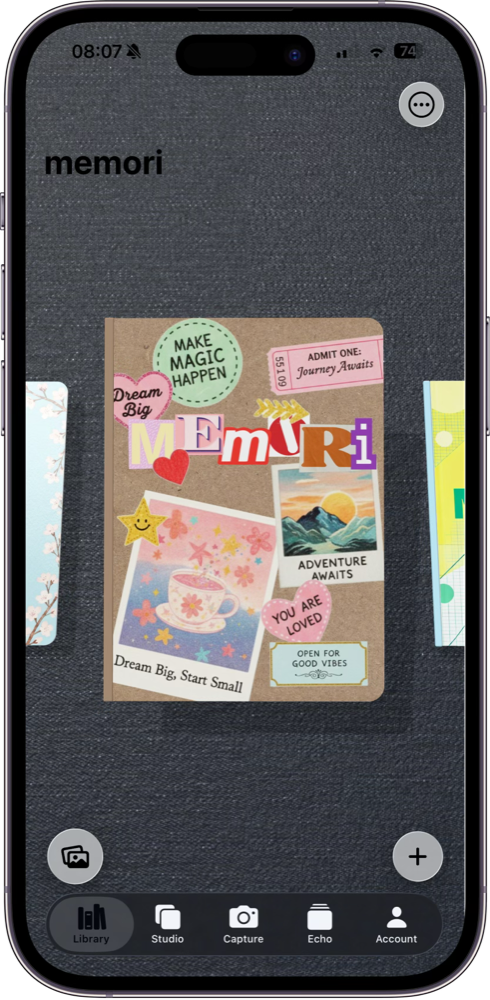
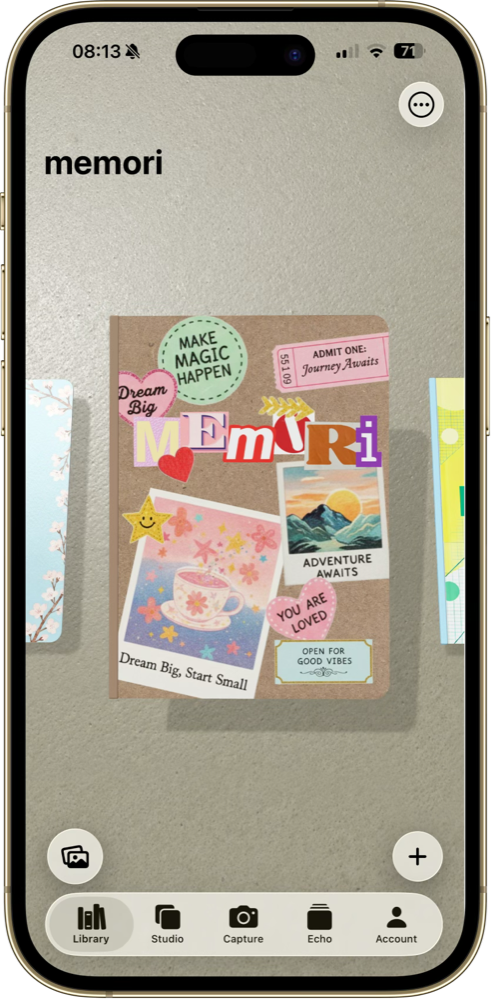
In the app, every journal sits in your library as a real 3D notebook. Swipe through the covers, pick one up, and it opens in your hands.
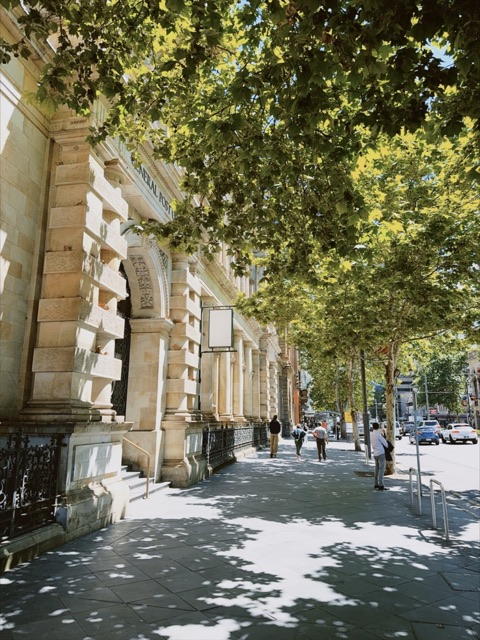 under the plane trees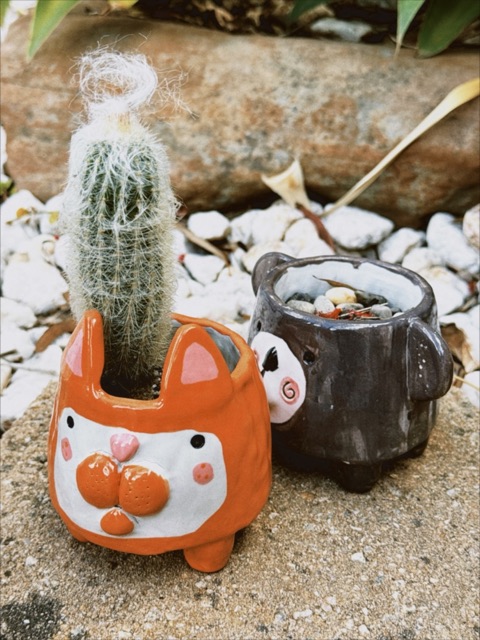
Studio
The canvas is a desk with scissors, tape and pens on it. Changed your mind? Undo and redo every step.
Move, turn and resize them, and stack them in layers.
In the app, tap a photo and memori lifts the subject off its background, ready to use as a sticker.
Polaroid, border or rounded, with a line of handwriting underneath.
Add text and stamps, then draw over the page with your finger or Apple Pencil.
Capture
Each film is named after a traditional Japanese colour. Shoot with one in the app, or try them on a photo right here.
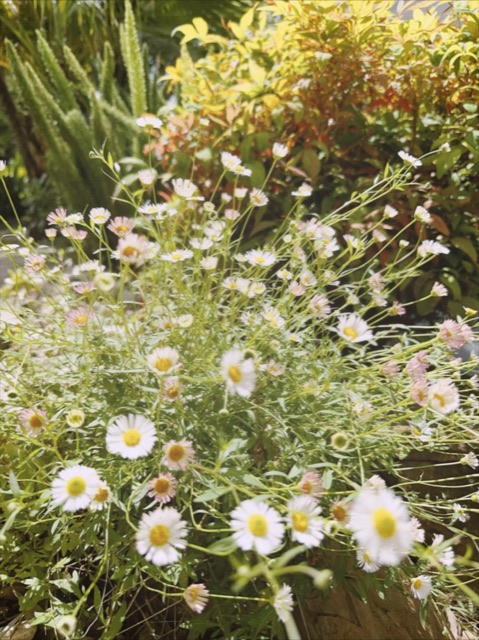


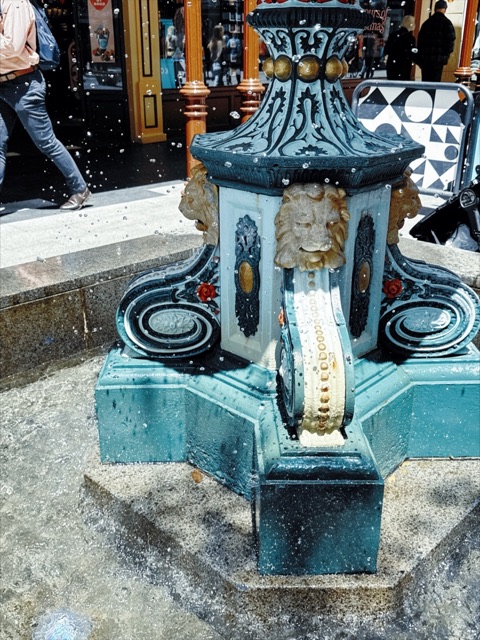
Try them on your own photo. Five films here, Mizuiro, Moegi, Beni, Ruri and Sumi, use the app's own colour grades. The others are quick previews; the app has the full set.
Echo
Type a list, a date or a thought, and Echo turns it into a paper card: tasks, habits, notes, journal entries and day counts, each in its own set of designs. Any card can go onto a page.
Just for you
memori has no followers and no timeline, and it doesn't track you. Your books are for you to keep.
With memori Pro, your books and cards sync through your own iCloud.
The book above is saved only in this browser. Nothing you add here is uploaded.
Made for
A digital scrapbook without the glue. Lay photos down like prints, tape them with washi tape, add stamps and handwriting, on ruled, graph, dot grid, kraft or 原稿用紙 paper.
Keep a whole trip in one book: a page for each day's photos, a boarding-pass card for the flight, and a countdown to the next one. Film looks make every place feel like a postcard.
Make a memory book for a partner, a best friend or a birthday. Fill the pages with your photos and notes, then save them as pictures to send or print.
Eighteen film looks named after Japanese colours, with grain and soft bloom, and polaroid or border frames with a handwritten caption underneath.
Type a list and it becomes a receipt-style to-do; type a habit and it becomes a tracker; type a date and it becomes a countdown. Cute enough to keep on the page.
A photo diary for ordinary days: a year in pictures, a gratitude journal, a baby's first year. One book, turned page by page.
Questions
Memori: Visual Journal is a journal app for iPhone and iPad. Each journal is a 3D notebook you flip through like a real book, and every page is a canvas for photo collages, handwriting, washi tape, stickers and drawings. Think of it as a digital scrapbook, photo diary and memory book in one.
Memori is made for it. Each journal is a book you flip page by page, and each page takes photos in polaroid or border frames, washi tape, stamps, handwriting fonts, drawings and paper backgrounds like ruled, graph, dot grid and kraft. You can start for free in the online journal on this page, then move to the app on iPhone or iPad.
That's the idea behind memori. Instead of a feed or a list of entries, your journal is a 3D notebook: the cover opens, pages bend as you turn them and settle flat, and you can see the stack of pages on its edge.
Start a book in memori, give it a cover photo, and fill a page for each memory with photos, a caption and a few lines in handwriting. When it's done, save every page as an image and send them, or print them. In the online journal this is free and needs no account.
Add a page for each day of the trip, drop in that day's photos and try a film look on them, then add a boarding-pass card for the flight and a few notes. A countdown card can count down to the next trip.
The online journal on this page is completely free. The app is partly free: it's free to download, and some features come with memori Pro, a monthly or yearly subscription that also syncs your journals through iCloud.
Yes. Echo cards turn plain text into tasks, habit trackers, countdowns, notes and diary entries, in designs like receipts, tickets, post-its and boarding passes. Keep them in Echo or stick them onto a journal page.
The camera has 18 film looks named after traditional Japanese colours, such as Mizuiro, Ruri and Beni, with soft film grain and bloom. Shoot with a film and the photo goes straight onto your page.
Yes. It runs on iPhone and iPad with iOS 17.6 or later.
Memori has no feed, no followers and no tracking. Your journals stay on your devices, and in your own iCloud if you turn on sync. The sample book on this page is saved only in your browser.
Yes, completely. The online journal on this page is free, with no sign-up, no download and no watermark. Your photos are never uploaded: everything is made and saved in your own browser, and you can save any page, or the whole journal, as PNG images.
Yes. The book at the top of this page is an online version of the app: add pages, upload photos, try the films, make cards and save your pages as pictures. The app has the full set of films, card designs and 3D books.
On the App Store
Memori: Visual Journal for iPhone and iPad. Free to download, with more in memori Pro.
Download on theApp Store